-
Using a tablet or smart phone
6 Lessons-
StartWhat you will need for digital pattern making
-
StartPaper Camera app for making clear "value" photos
-
StartSnapseed app for altering existing photos
-
StartSnapseed app for altering existing photos 2
-
StartAdobe Illustrator Draw: Basic use and creating a pattern
-
StartAdobe Illustrator Draw: Basic use and creating a pattern 2
-
$75
Playful Portraiture: making faces from photo to fabric
Course 🟣 33 Lessons
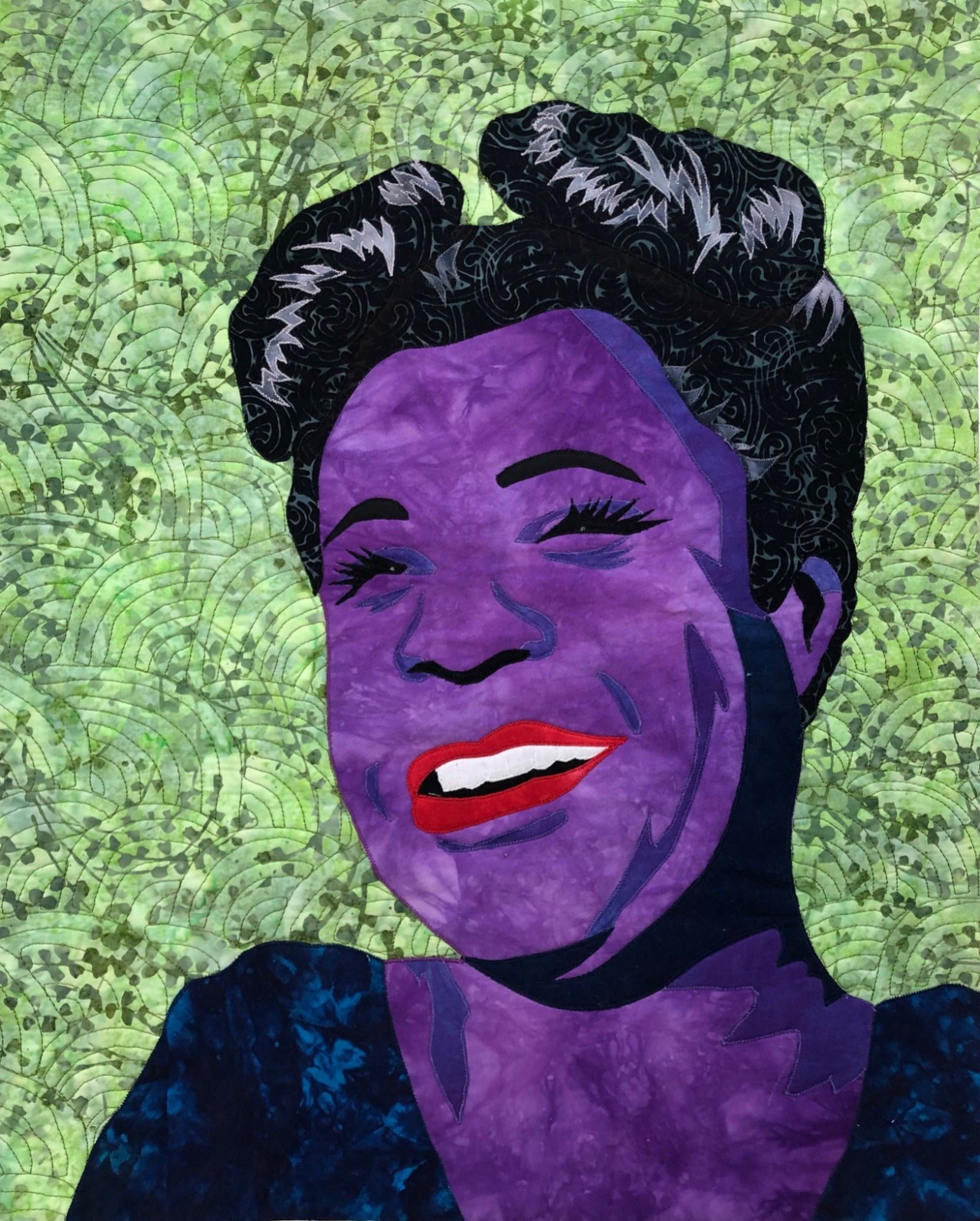
Learn the secrets of making quilted portraits, from whimsical and cartoon-like silly selfie postcards to accurately proportioned quilted portraits. You will discover that it isn’t nearly as hard as you imagined. Learn to choose your photo, draft a pattern, and create a fusible appliqué quilted portrait.
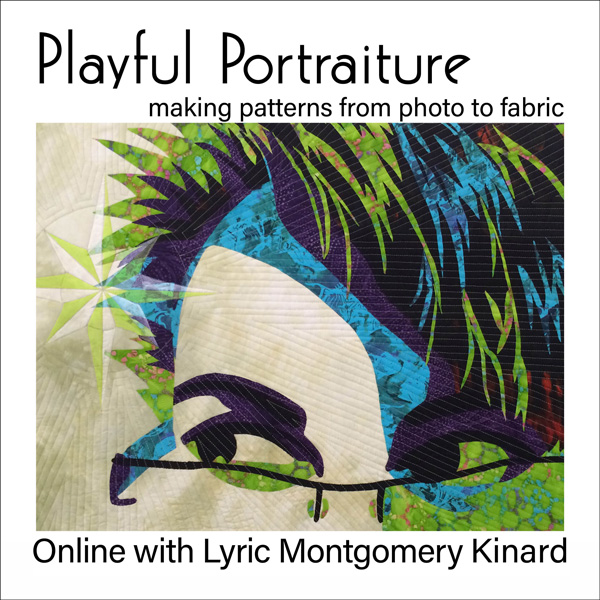
In this online course you will have immediate and permanent access to all lessons as soon as you sign up.
You Will Learn
• Placement and Proportions for making realistic shapes
• What makes a photo good to work with
• How to trace a photo to make a pattern for appliqué
• How to use apps to speed the pattern making process
• Tips for quilting human faces
• A process of playful exploration
Hi Lyric!
I want to tell you how much I REALLY enjoyed the Playful Portraiture class! You made it SIMPLE and FUN! You started at the beginning and broke down our blinders and self doubts, and EACH of us made a FANTASTIC portrait! It's great how you provided a few portrait pictures for your students to practice on so we aren't ruining a treasured love one. You covered every detail of making these portraits and I look so forward to doing one of my grandsons! I also love how you went over some Apps used to help out in the process! WOW! These Apps make things much simpler and are user friendly, especially after your explanations!
I'm just so thrilled I took the day of to do something I've been wanting to learn! I highly recommend taking this class!!! What a GREAT FUN DAY!!
- Nina Clotfelter
How This Course Works
This course is an online on-demand workshop. You will need an internet connection to stream each video.
Each lesson includes space for you to share your pictures and get feedback from your classmates. The more you contribute, the livelier the class will be. Lyric will pop in to give feedback on each picture posted. This platform provides a safe space for a lively and sharing creative community to explore without judgement and competition.
Just like in a live classroom, you'll be able to see your fellow students work and discuss how things are going. You'll get encouragement and instruction from Lyric on all the work you post.
Supplies
For making silly postcards
• 5" x 7" postcard base: peltex, stabilizer, muslin, paper
• Small pile of fabric or colored paper scraps Glue stick
• Very sharp, pointy, scissors
• Optional tweezers for handling small pieces of fabric
For creating your own pattern by tracing
• Pencil
• Black Sharpie (fresh is best)
• Tracing paper Photo (practice photo provided in lesson), letter-sized print, preferably black and white, the face filling the page. You will read much more on this in the lesson, so wait until then.
• Light table or LED Light Box Tracer
• Black Sharpie (fresh is best)
• Tracing paper Photo (practice photo provided in lesson), letter-sized print, preferably black and white, the face filling the page. You will read much more on this in the lesson, so wait until then.
• Light table or LED Light Box Tracer
For creating a fat-quarter sized fusible appliqué portrait
• Pattern (11 x 17 practice pattern provided in lesson)
• Baking Parchment
• More parchment or Silicone press sheet
• Black sharpie
• Opaque silver sharpie, or light table and white pencil
• 1/2 yard Fusible Web (Wonder-Under, Misty-Fuse, Steam-a-Seam) Scraps of solid white and black fabric
• Iron and pressing surface
• Scissors (still loving Karen Kay Buckley's 6-Inch Perfect Scissors)
• Fat-Quarter of fabric for "skin" (be wild and creative!)
• Scraps that are a little darker than your skin fabric
• Various other scraps that might work for hair and shadows and eyes
• Fabric for background (can be chosen after face is formed)
For using a smart phone and tablet to take photos and create patterns
You don't NEED devices to create your patterns but I find they can speed the process if you are comfortable with using technology. This class will not cover how to turn your device on and charge it and take a picture, so it is best if you are comfortable using a tablet or camera first. That said, it really isn't hard and the lessons here include step by step instructions and videos.
• Smart phone with camera Download Snapseed app (free)
- Download the Paper Camera app ($ - you can wait until you see what it does first)
- Open the apps and give them the "permissions" it needs to access your photos.
• Tablet
- A stylus or smart pencil is very helpful
- Download the Adobe Illustrator Draw app (free) or any app that allows you to create layers, import photos, and draw. You will need to create an account and register with Adobe to use the Draw app.
- It's worth it
- Open the app and give it the "permissions" it needs to access your photos.
- Turn it on and mess around with it - you can't hurt anything!
- The ability to send your finished photo to your computer or a printer
Course Curriculum

Lyric Kinard
Artist, Author, Educator